Choose the kind of call.
Keep me companyGet me out
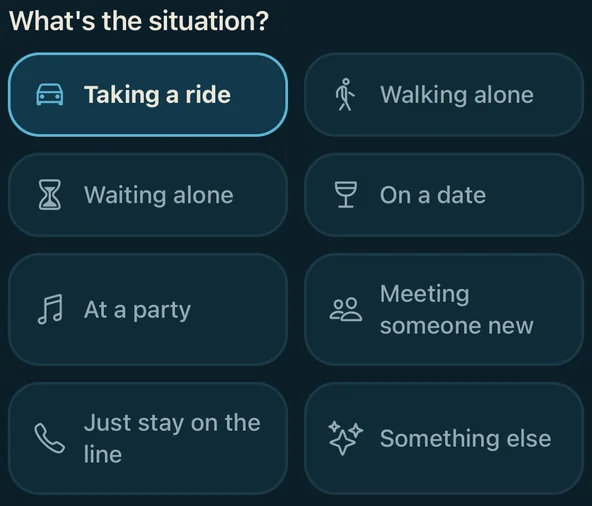
What's the situation?
Busyline is a voice call from someone you invented. It keeps you company on the way home, or phones you with a reason to leave.
Coming soon. It isn't in the app stores yet.
Try the example call: tap Accept. It's an illustration with a written script, not a real call.
Choose the kind of call.
What's the situation?
Say what's going on.
What's the situation?
Pick who calls.
Who's calling?
Set when it rings.
When should they call?
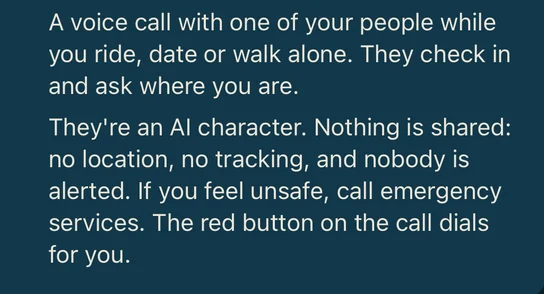
Prefer company? Keep me company starts a call that checks in while you ride, walk, wait, or meet someone new.
Screens on this page show the app while it is in development.
Create a friend, a coworker, a mentor. Name them, pick a voice and how they text. Every character is an adult, 18 or over.
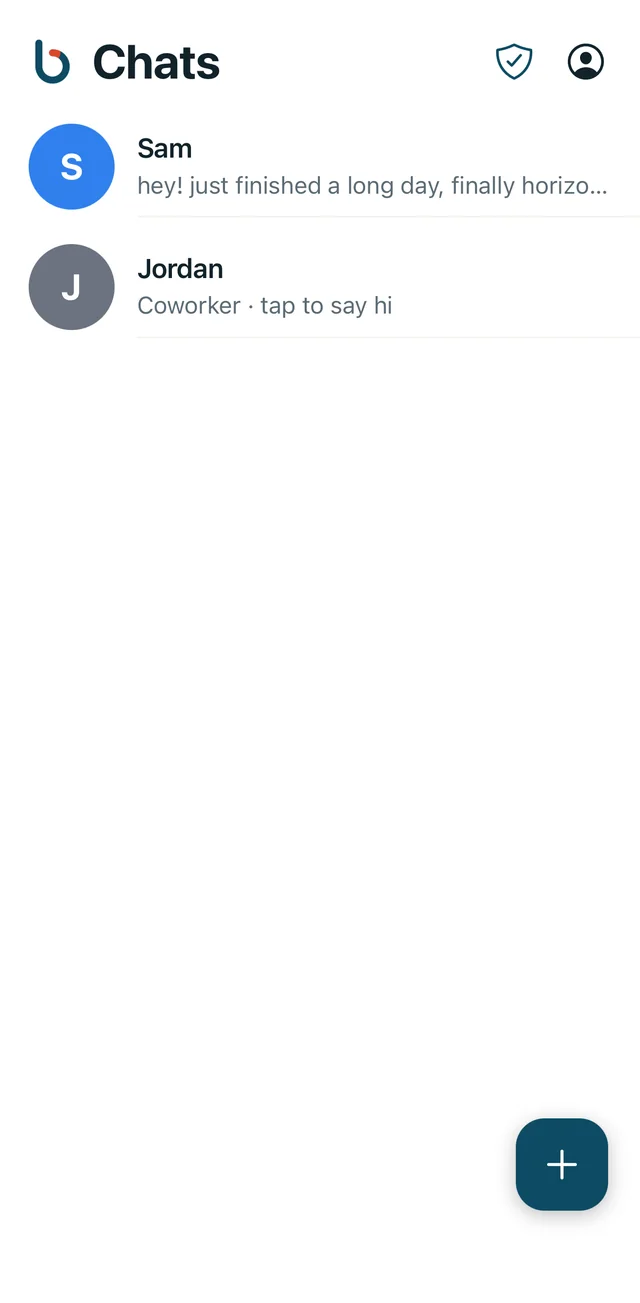
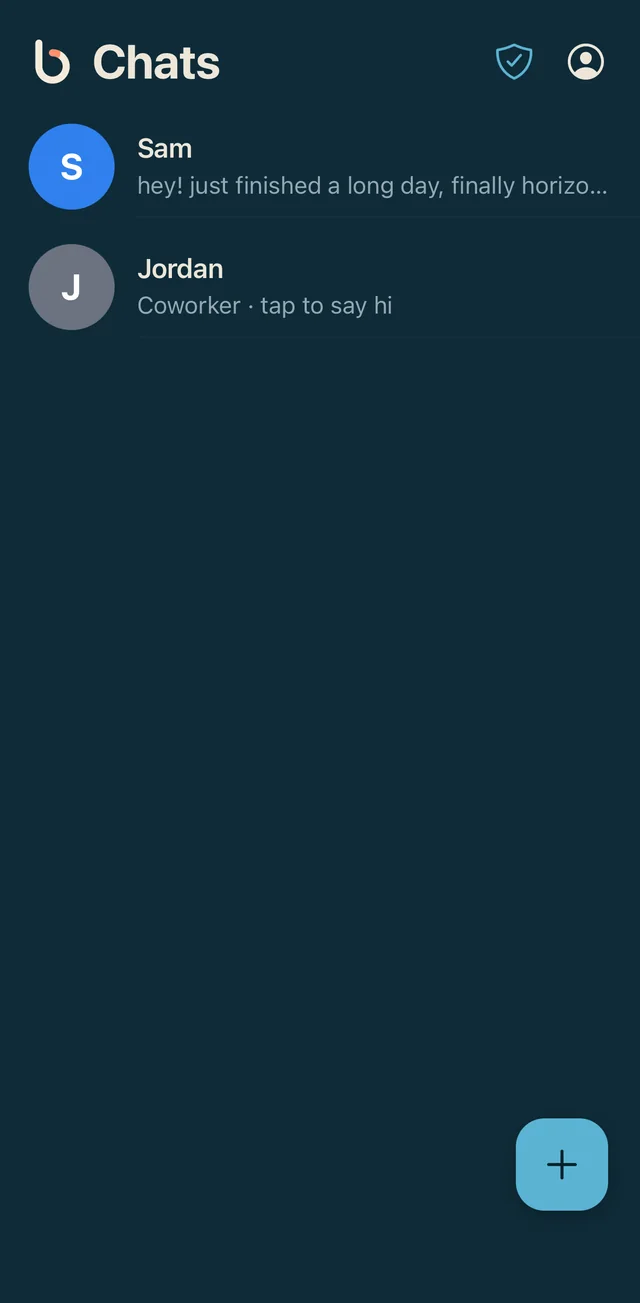
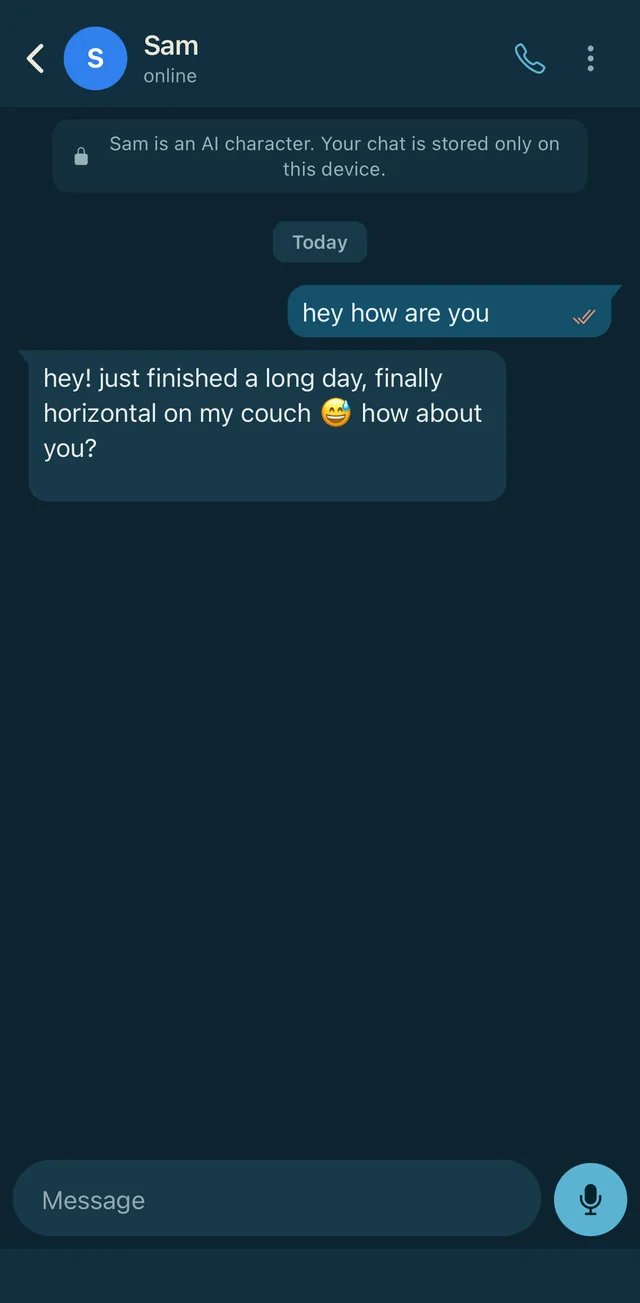
Chats look like chats. Each one says plainly that it's an AI character, and your chat history is stored on your device.
When a call comes in it looks like a call from them. Answer it, or decline.
Busyline is not an emergency or safety service. The red Emergency button only opens your phone's dialer with the number you chose; you press call. If you are in danger, contact your local emergency services.
There's no sign-up form yet. When Busyline is ready, this page will say so.
Name
Who are they to you?
A preview of the app's New person screen. Nothing on this page collects or sends data.
Incoming call
Sam
Friend
Sam
00:00
On the line
AI character · nothing is shared
Sam hey, where are you right now?
You just left the bar, heading to the bus stop.
Sam good. Tell me when you're home.